Training and Support Resources
Select the program below you are interested in for relevant training and support materials.
Looking for something more? We may not have all the programs or versions of programs you are using covered, so let us know if you require assistance with a program not listed by emailing us at atspecialist@westernsydney.edu.au.
Microsoft Learning Tools
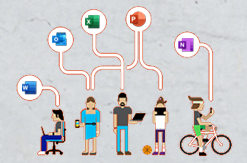
Microsoft's Digital Learning Tools are a range of inclusive features available to all Western students, designed to support you in your studies.
Genio Notes

Looking for a note-taking process that works? Genio Note Taking uses a four step process to combat information overload while helping you extract all the value you need from class.
Dragon Professional

Dragon software has the ability to type what you dictate with great accuracy and lets you use your computer hands-free.
Voice Control (Mac)
Apple's Voice Control tool has the ability to control your Apple device hands-free, including typing and editing text.
Microsoft OneNote
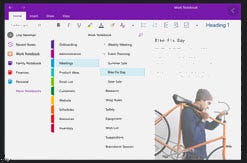
All students and staff can access OneNote, a digital notebook that allows you to type, write and draw.
ZoomText
ZoomText is designed for people with low vision, allowing screen customisation and magnification and providing the option of speech cues.
JAWS

JAWS is screen reading software that speaks aloud information on the computer screen as it appears and changes. Information can also be displayed in braille.
Optelec ClearView + Magnifier

Learn how you can magnify your printed materials to suit your individual preferences.
Personalising your Windows computer
Learn what you can do to personalise your Windows PC to your individual preferences.
Personalising your Mac computer

Learn what you can do to personalise your Mac to your individual preferences.